
Every name, every place, everything held.
One place where a family keeps itself: the people, the photographs, the stories, the deeds, and the ground they came from.
Sign in with a phone number, at no cost while the family builds it.

- Five generations
- From the oldest name anyone remembers down to the newest child.
- Twelve houses
- Every surname a marriage brings in grows its own branch.
- Four homelands
- The Caribbean, the States, Britain, Canada, mapped and joined.
- One record
- Everyone edits the same archive. Every addition is signed.
A family’s record usually lives in one person’s memory. When that person goes, the names go with them.
The House exists so it doesn’t. Built for the people who hold the knowledge: large type, no jargon, and nothing that needs explaining twice.
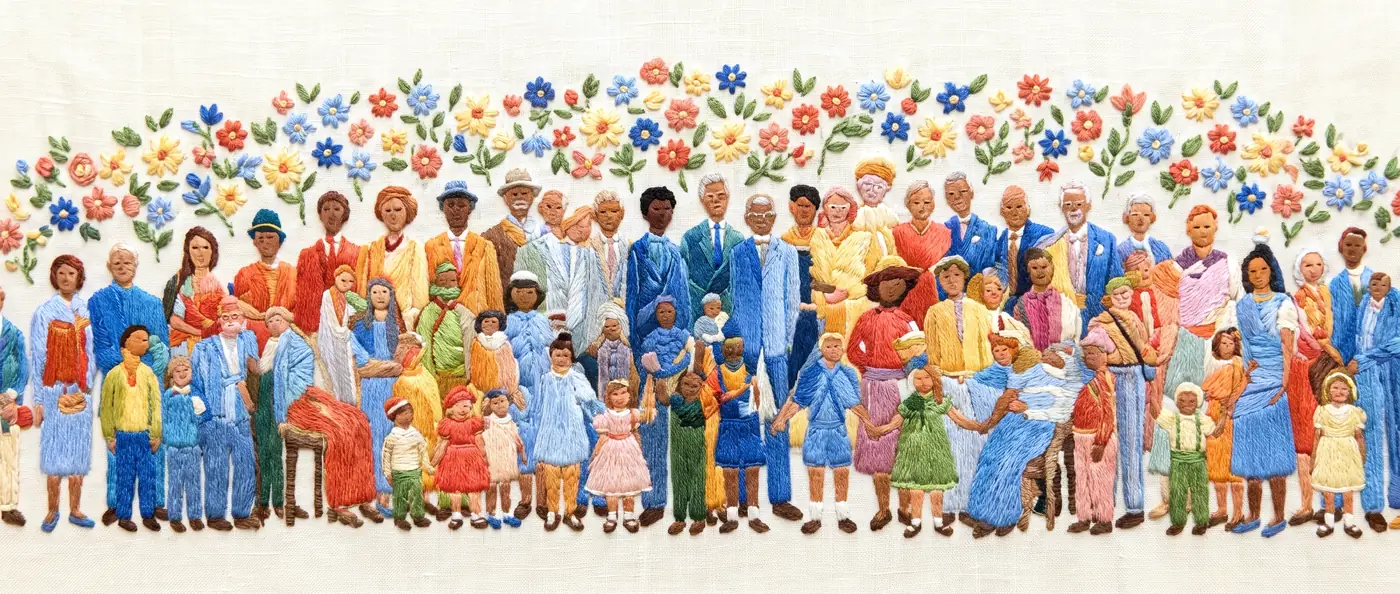
The same family, seen four ways.
-
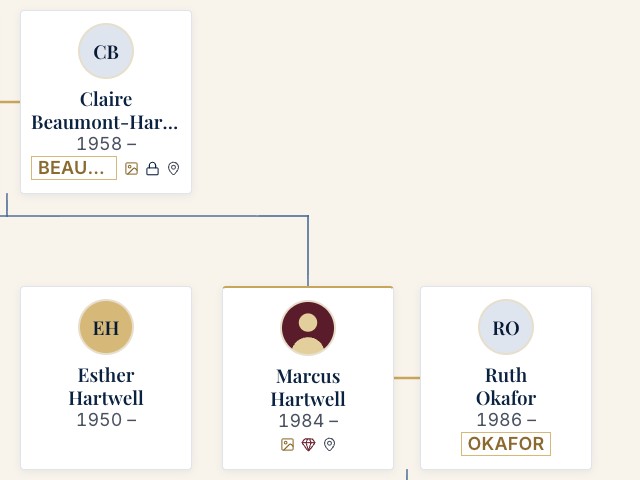
Family tree
A proper descent chart. Couples joined, children descending from their actual parents, not from a marriage that was never there.
-
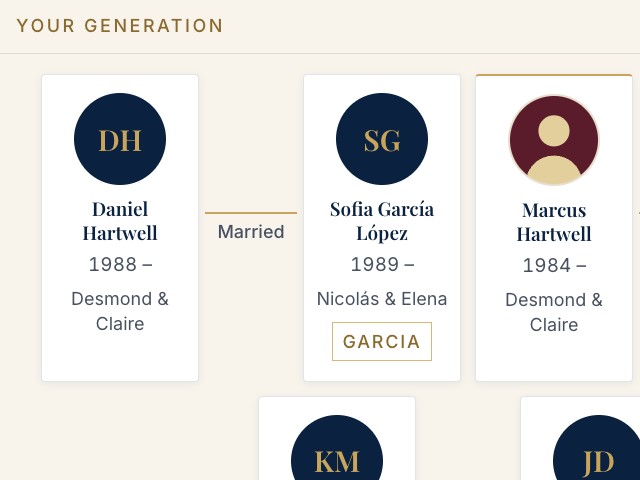
Generations
One row per generation, everybody visible. The quickest way to see who belongs to whose era.
-
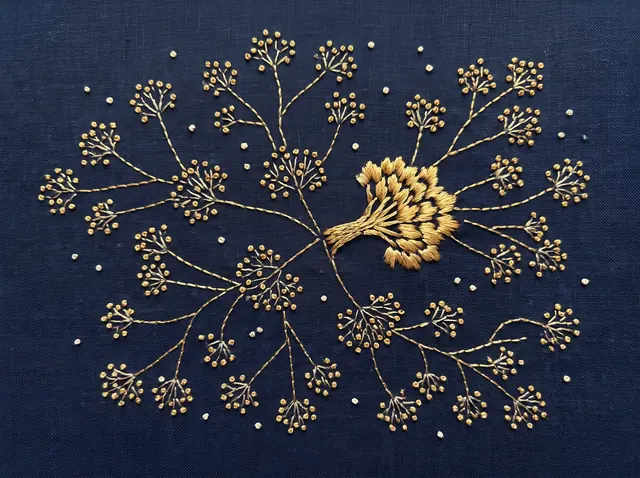
Constellation
The whole shape of the family at once, with your own house picked out in gold.
-
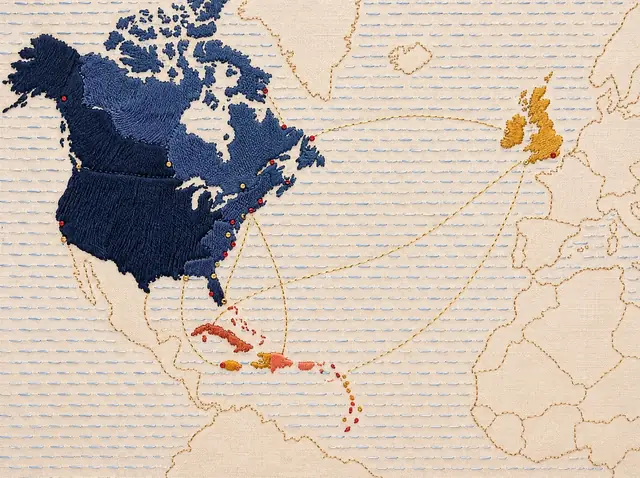
Map
Where everyone is, where they came from, and the lines that still join them across oceans.
It records families as they actually are.
Most family trees assume one marriage, two parents, one surname, one country. Real families are not that. The House was built from a real one.
-
Children before marriage, and outside it
A child descends from their own two parents, whether or not those parents were ever a couple. The chart says what happened.
-
Half-siblings, named as such
Three children, three fathers, one mother: each set reads clearly, and the app says which parent they share.
-
The names people actually use
Government name, maiden name, every spelling, and what the family calls her. All of it searchable.
-
Any language, any script
Two surnames in Spanish and Portuguese, particles kept whole, Arabic and Chinese names rendered properly.
-
Two families, one tree
Your wife’s family grows their own side. Scroll across and the branches meet where the marriage is.
More than names and dates.
-
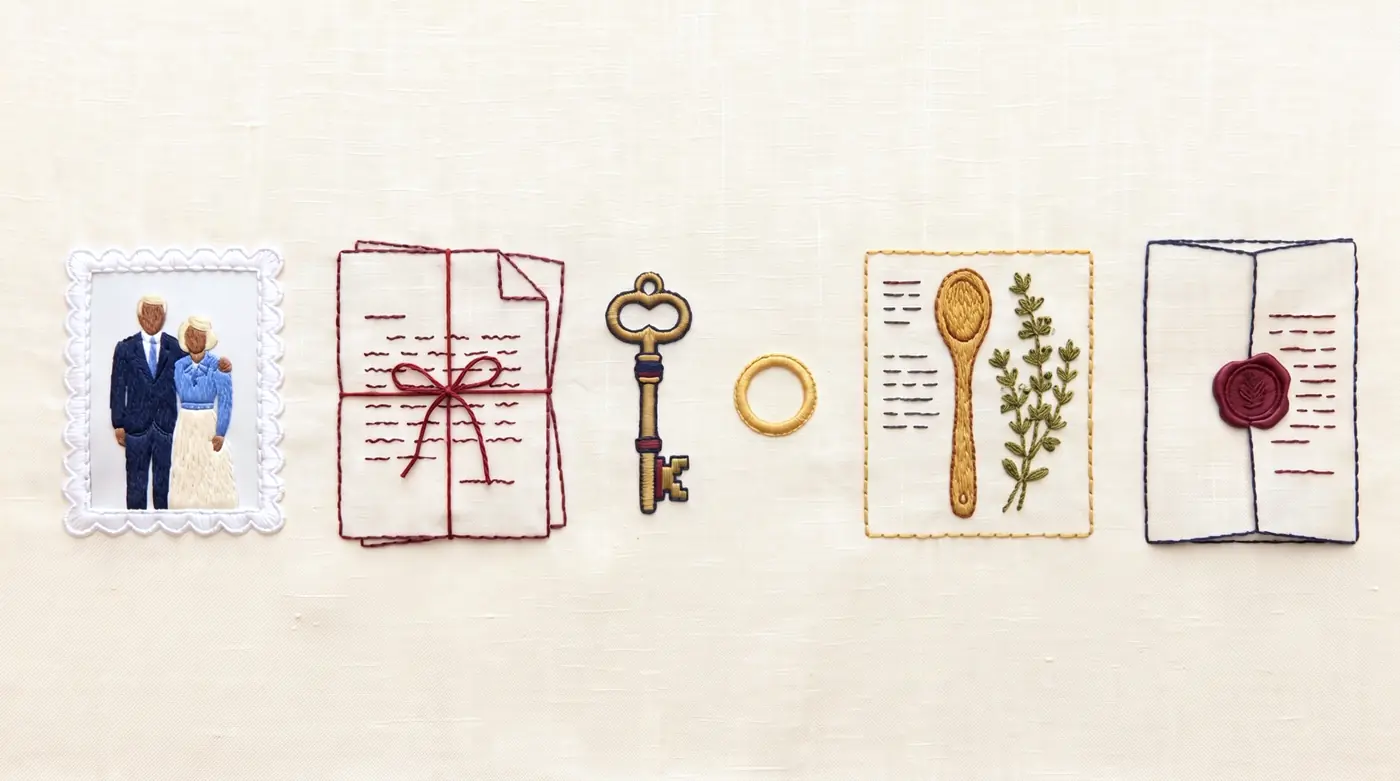
Photographs
Tag who is in them, place them in a decade when nobody wrote a date, and browse by time or by place.
-
Stories
Type an @ and the people in the story are linked to it. It then appears on each of their pages.
-
Documents
Certificates, letters, deeds and titles: uploaded, or simply recorded as existing and held by someone.
-
Heirlooms
The object, who holds it now, who it came from, where it lives, and the story behind it.
-
Recipes
Whose it is, how it is made, and when: Christmas, Sunday, the funeral after.
-
The estate
Property, policies, advisors, and plainly where the will is and who to call. Locked, and only to those named.
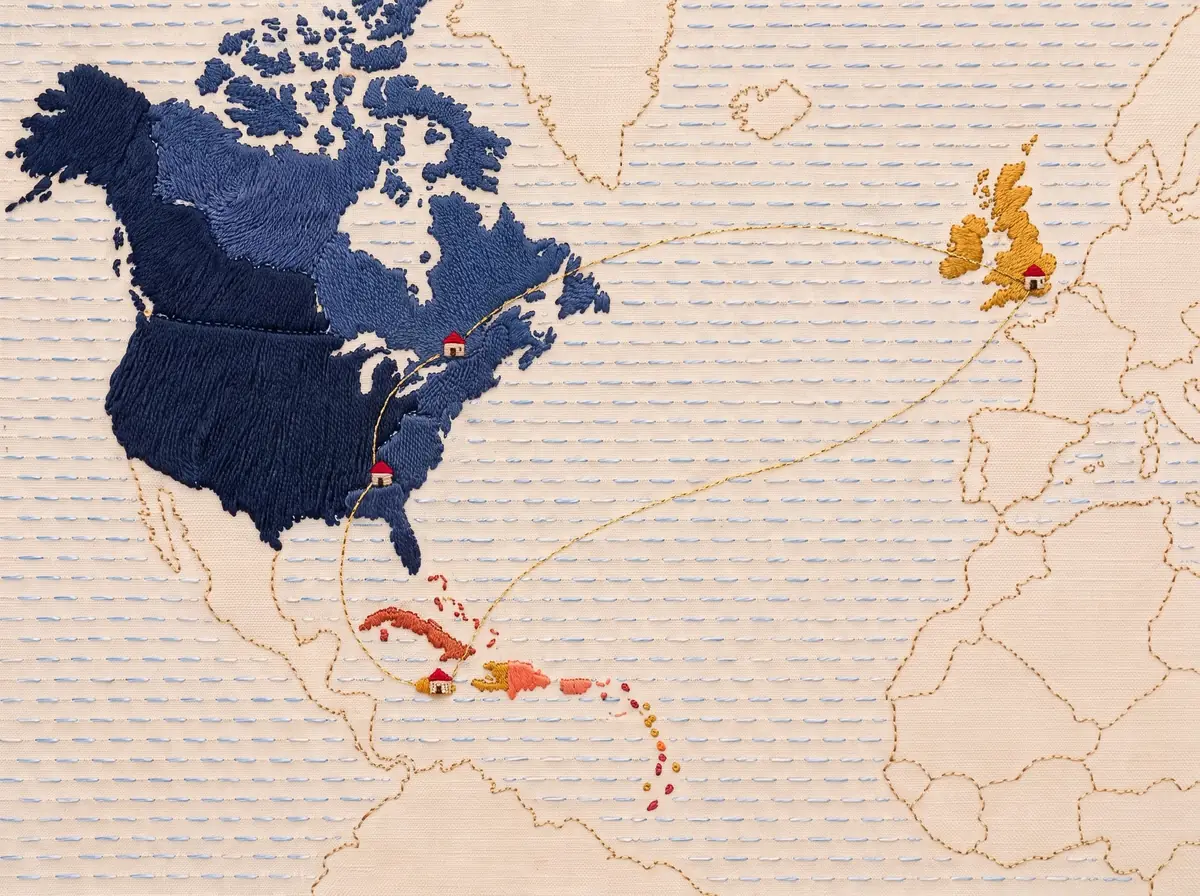
Moore Town to Atlanta to London.
Families scatter. The map draws where everyone was born, where they live, and every place they’ve lived in between, with lines joining relatives across cities, so you can see at a glance which countries still hold family.
- Layers for who lives where, who was born where, and where photographs were taken.
- A person’s whole path drawn as a line, from birthplace to now.
- Tap a city to open its people and its photographs as a small archive of their own.
A private club, not a public tree.
Nothing is published, nothing is searchable from outside, and nothing is sold. The family holds its own record.
Some things you record without handing over. Say the deed exists and who holds it — that is often the whole job.
-
Private, item by item
One switch on anything, and a list of exactly who may see it.
-
Described, not shown
Those without permission see that a document exists and what it is, never the file itself.
-
A record of who looked
A quiet line on the item: seen by Marcus and Ruth, three times.
-
See it as they see it
Look through any member’s eyes and check what is hidden before you trust it.
Easy enough for the eldest, worth it for the youngest.
-
Sign in by phone
Six numbers by text, and no password to forget: the way WhatsApp already works.
-
Large type throughout
Nothing small, nothing faint, and buttons big enough to hit first time.
-
A family code
Read it down the phone to a relative, with no links to mistype.
-
Find anyone
One search across people, stories, places and photographs, by nickname as much as by name.
Questions families ask.
Each answer shows the screen it describes, filled in with an example family.
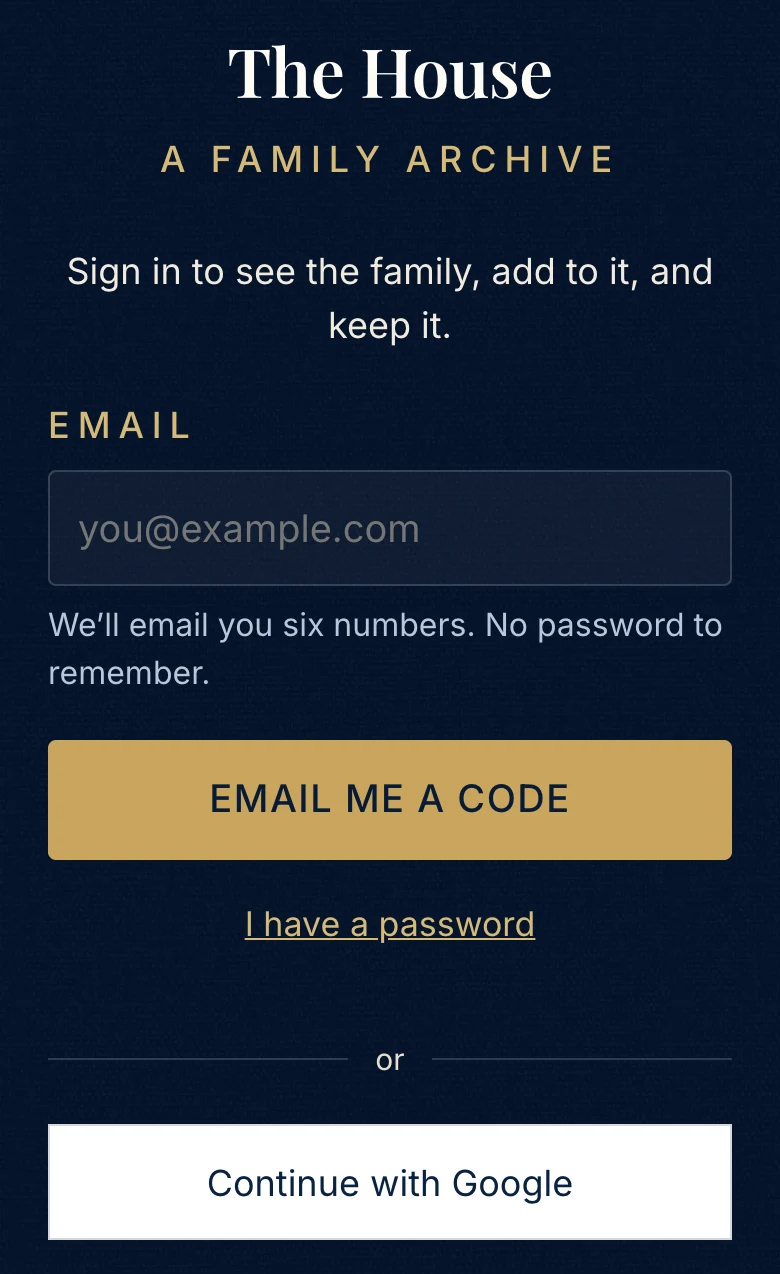
How do I get into our family’s House?
Open the link your family sent you. Type your email, tap Email me a code, and type in the six numbers that arrive. There’s no password to remember, and Continue with Google works too.
Should I start a House of my own?
Only if nobody in your family has one yet, so everyone adds to the same tree. Ask your relatives for their link or family code first. With a code, type it under Family code and tap Join this family. If nobody has a House, tap Start a House for my family.
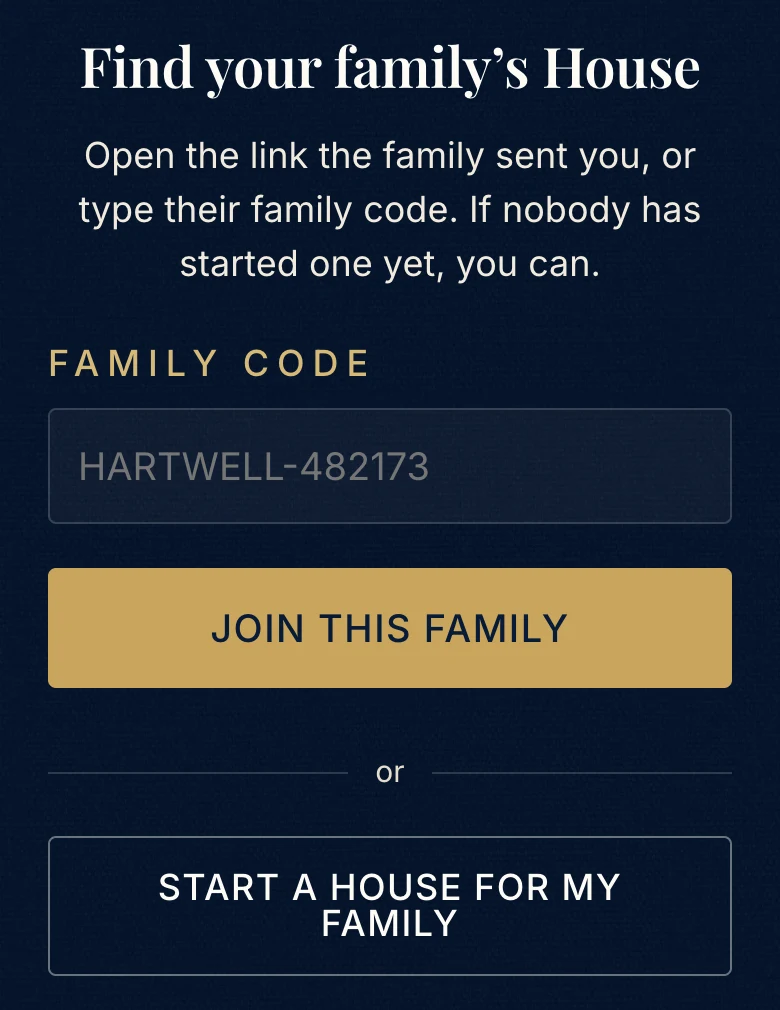
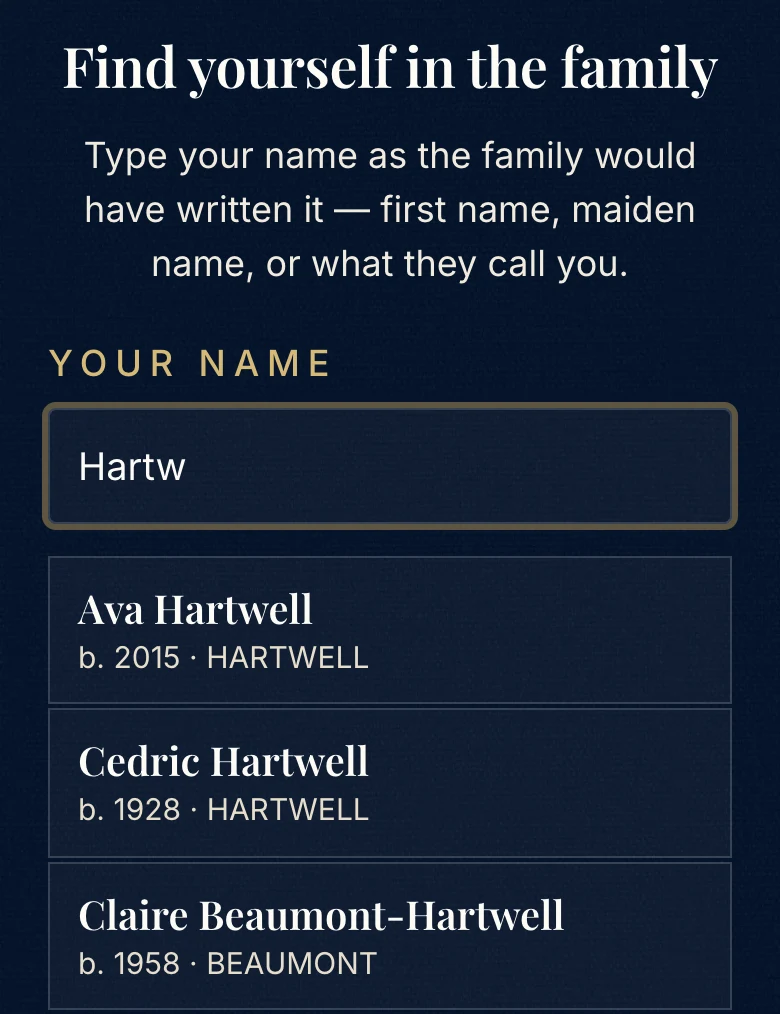
How do I find myself in the tree?
Once you’ve joined, type the first letters of your name under Find yourself in the family and tap your card. Not there yet? Tap Not in there yet? and add yourself beside a relative. Picked the wrong card? Tap Members, then Change my card.
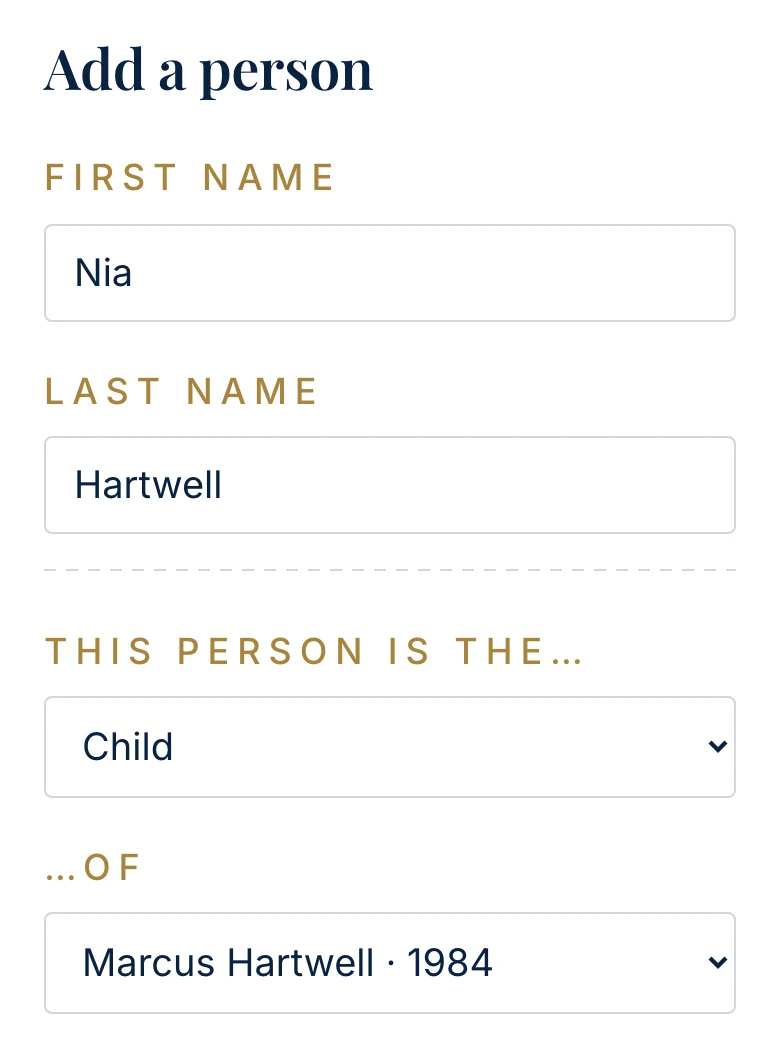
How do I add someone?
Tap + at the top of the screen, then A person. Type their name, choose how they’re related to someone already in the tree, and tap Save. To fix a name or a date later, tap the person, then Edit.
What are the names along the top?
Each one is a house: a family line. You belong to your parents’ houses, so your own comes first, then the families closest to you. All houses shows everyone, and the checklist button at the end of the row shows several houses together.

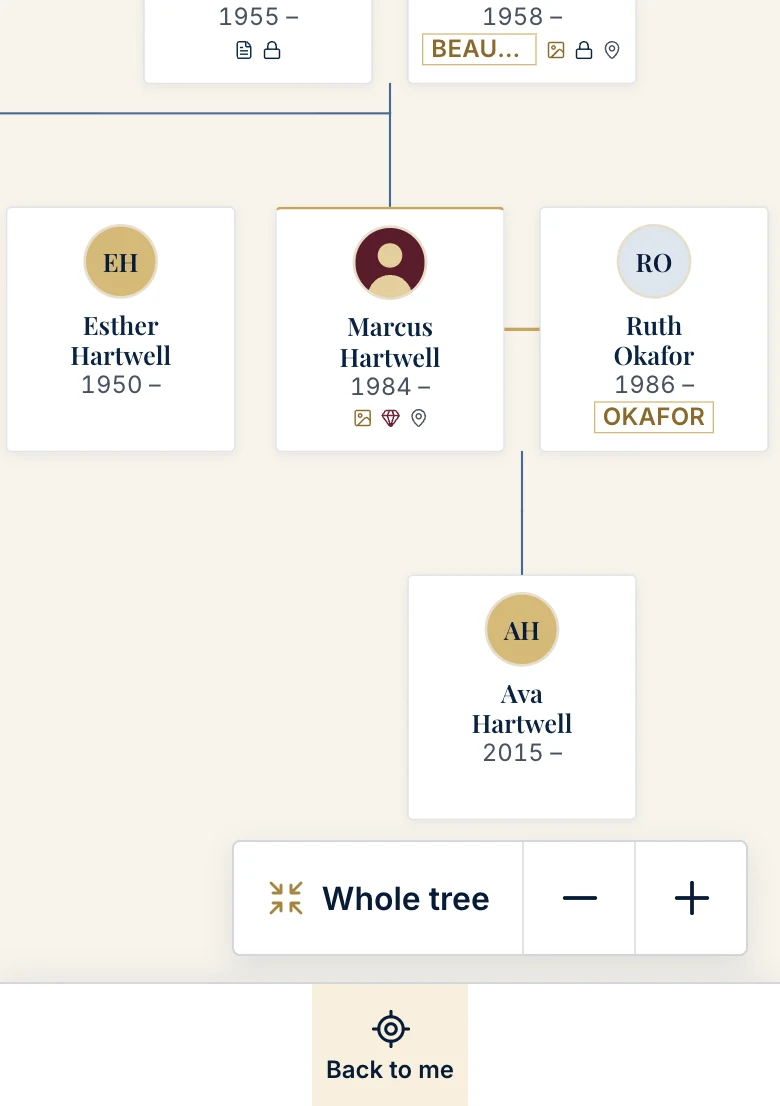
How do I see more of the tree?
Pinch with two fingers, or tap Whole tree in the bottom corner. Slide with one finger to move around. − and + zoom out and in, and Back to me brings your own card back to the middle.
How do I invite a relative?
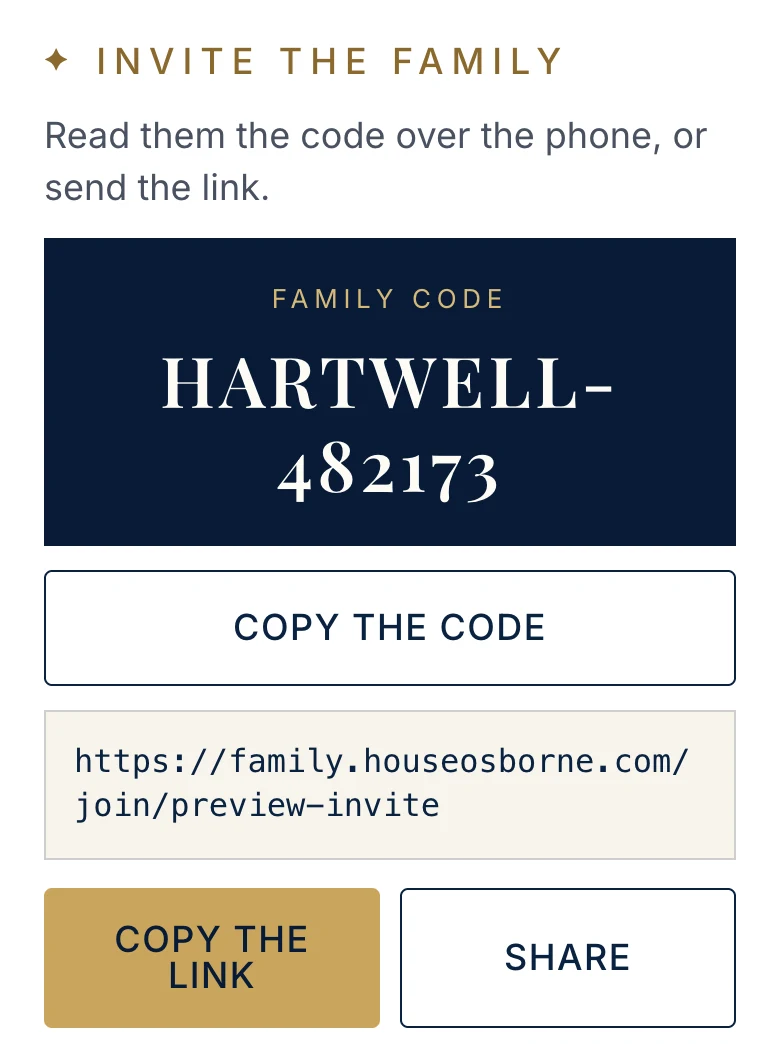
Tap Members at the bottom of the screen. Tap Share to send the link in WhatsApp or a text message, or read them the family code over the phone.
Who can see our family?
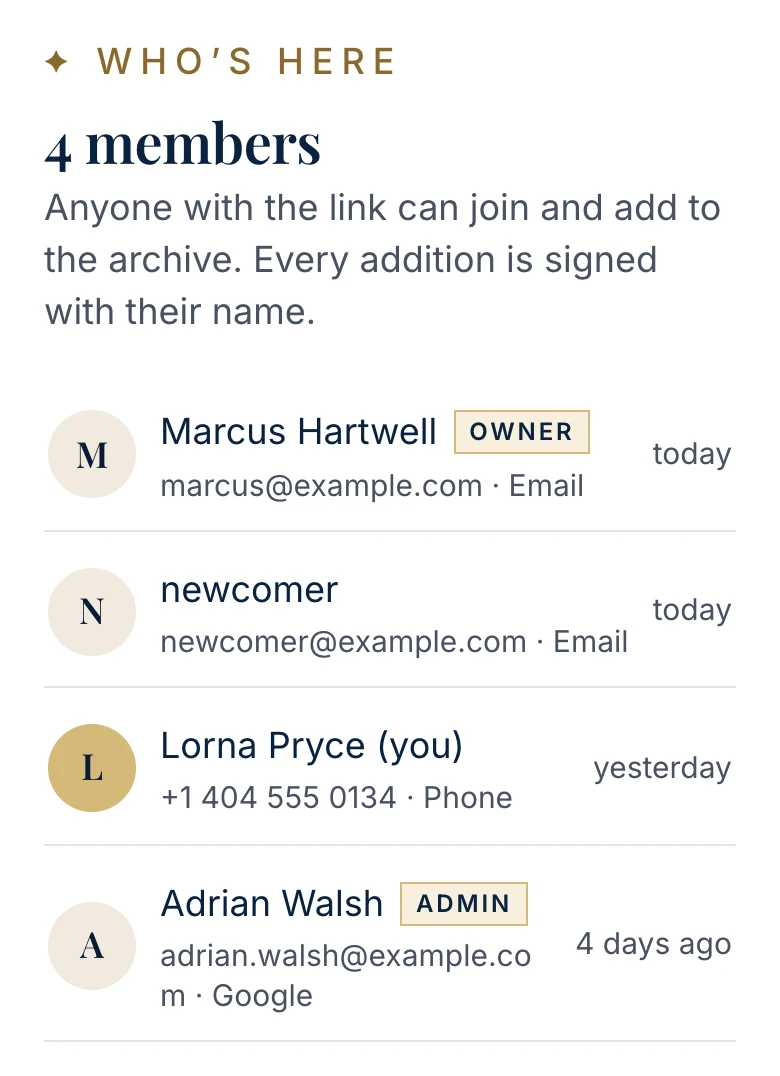
Only the people who have joined your House, and every one of them is listed under Members. Nothing is public or searchable from outside. Another family sees one of your houses only if you connect it with theirs.
A relative started their own House. Can we connect?
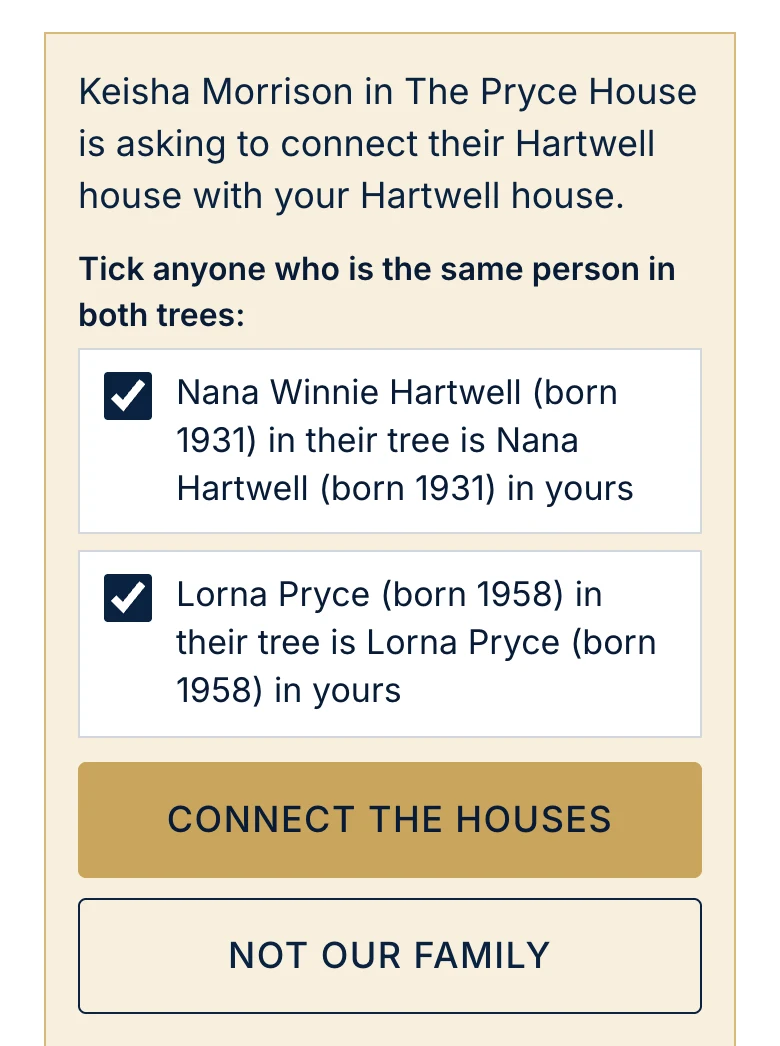
Yes, one family line at a time. An owner or admin taps Members, then Connected houses, and makes a connect code for the house you share. Your relative types it under Have a connect code? and asks to connect. Then you tick anyone who is the same person in both trees and tap Connect the houses. To join the two trees, open their house, tap the person who links your families, and tap Link to your tree. Nobody is added twice.





Start with yourself. The rest follows.
Add your own name, then your parents. Send the family your code and let them fill in their side. A House grows from whoever starts it.
Magnitudo Norma Nostra
Greatness is our standard.